
Computer Repair Townsville
In today’s digital world, computers are a part of everyday life. Whether you use your laptop for work, study, gaming, or staying connected with family, a sudden technical issue can completely disrupt your routine. From slow systems and broken screens to virus attacks and data loss, computer problems can happen when you least expect them. That’s why professional computer repair Townsville services are more important than ever.
If your PC or laptop is giving you trouble, getting expert help quickly can save you time, stress, and money.
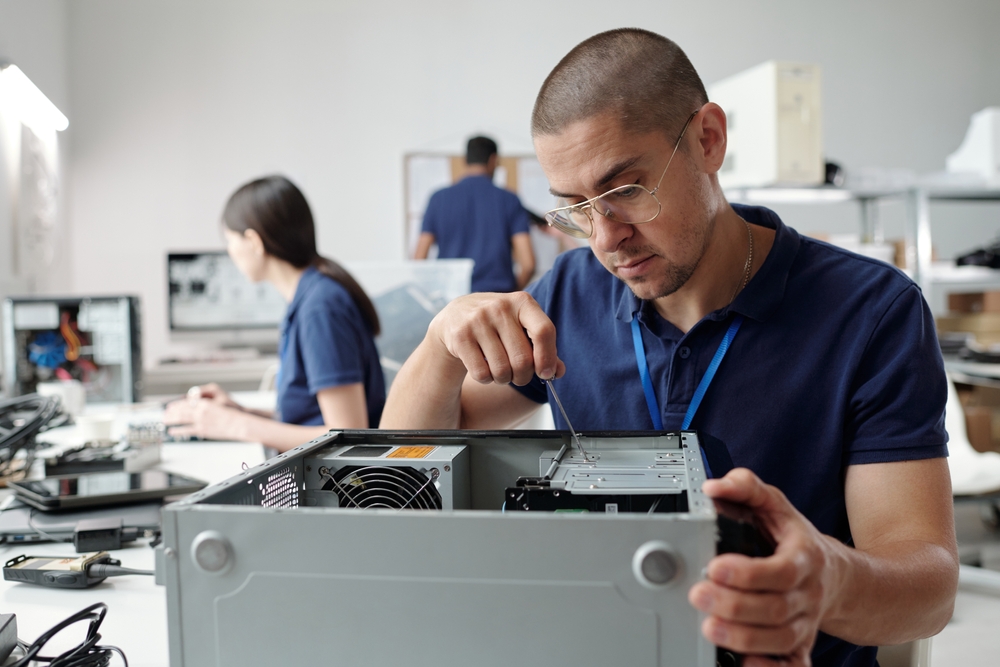
Why Professional Computer Repair Matters
Many people try to fix computer problems on their own by watching tutorials or downloading random software online. While some minor issues can be solved easily, more serious problems often require professional diagnosis and repair.
Experienced technicians can identify the real cause of the issue and provide long-term solutions instead of temporary fixes. Professional repair services also help protect your important files, personal data, and device performance.
Choosing expert computer repair services in Townsville ensures your device is repaired safely and efficiently.
Common Computer Problems in Townsville
Computers can experience a wide range of hardware and software issues. Some of the most common problems include:
Slow Computer Performance
Is your computer taking forever to start? Slow loading times and freezing screens are often caused by outdated software, viruses, insufficient storage, or failing hardware components.
Virus & Malware Removal
Cyber threats are becoming increasingly common. Viruses and malware can steal personal information, damage files, and reduce system performance. Professional technicians can remove harmful software and improve your computer’s security.
Laptop Screen Repairs
Cracked or flickering laptop screens are frustrating and can make your device unusable. Expert repair services can replace damaged screens quickly using high-quality replacement parts.
Data Recovery Services
Losing important files, business documents, or family photos can be devastating. Computer repair specialists use advanced recovery tools to retrieve lost or corrupted data from damaged drives.
Hardware Upgrades
Older computers often struggle to keep up with modern software demands. Upgrading components like SSDs, RAM, or graphics cards can dramatically improve speed and performance.
Wi-Fi & Network Issues
Internet connectivity problems can interrupt work and entertainment. Technicians can troubleshoot network settings, router problems, and connectivity issues efficiently.
Benefits of Choosing Local Computer Repair in Townsville
Working with a local repair expert offers several advantages over sending your device away to large repair centers.
Faster Turnaround Time
Local technicians can often diagnose and repair issues much faster, helping you get back online quickly.
Personalized Customer Service
A local computer repair business focuses on building trust within the community. You receive more personalized support and honest recommendations.
Affordable Solutions
Professional repair services can be much more cost-effective than purchasing a brand-new computer.
Expert Advice
Technicians can also provide valuable advice on improving device performance, security, and maintenance.
Business & Home Computer Support
Computer repair services in Townsville are not limited to personal laptops and PCs. Businesses also rely heavily on professional IT support to maintain productivity and security.
Business services may include:
- Network setup and troubleshooting
- Server maintenance
- Cloud support
- Data backup solutions
- Cybersecurity protection
- Office computer maintenance
For home users, technicians can assist with:
- Gaming PC repairs
- Printer setup
- Smart device connectivity
- Email troubleshooting
- Software installation
- Laptop tune-ups
Signs Your Computer Needs Immediate Repair
Sometimes small issues can turn into major failures if ignored. You should contact a computer repair professional if you notice:
- Frequent crashing or freezing
- Strange noises from the computer
- Overheating problems
- Blue screen errors
- Extremely slow startup times
- Pop-up ads appearing constantly
- Battery draining quickly
- Internet connectivity issues
Early diagnosis can prevent more expensive repairs later.
Tips to Keep Your Computer Running Smoothly
While professional repairs are sometimes unavoidable, regular maintenance can extend the life of your computer.
Keep Software Updated
Install operating system and antivirus updates regularly to improve security and performance.
Avoid Suspicious Downloads
Only download software from trusted websites to reduce the risk of malware infections.
Back Up Important Data
Use cloud storage or external drives to protect valuable files from unexpected data loss.
Clean Your Computer
Dust buildup inside computers can cause overheating and hardware damage over time.
Use Antivirus Protection
Reliable antivirus software helps prevent cyber threats and keeps your system secure.
Choosing the Right Computer Repair Service in Townsville
Not all repair services offer the same level of quality. Before choosing a technician, consider the following:
- Experience and certifications
- Customer reviews and ratings
- Transparent pricing
- Warranty on repairs
- Fast turnaround times
- Friendly customer support
A trusted repair provider will always explain the issue clearly and recommend the best solution for your needs.
Technology problems can be stressful, but professional computer repair Townsville services make it easier to get your devices back in working condition quickly and affordably. Whether you need virus removal, hardware upgrades, data recovery, or laptop repairs, experienced technicians can help restore your computer’s performance and reliability.
Instead of struggling with frustrating tech issues on your own, trust skilled computer repair experts to keep your devices running smoothly and efficiently.